
Pair WhatsApp devices. Ship one clean messaging API.
Whatsly gives SaaS teams workspace-scoped device pairing, API credentials, outbound message queues, and signed webhook events without burying everything in custom scripts.

Workspace
Acme Operations
Support KSA
device_1 · message.delivered
Bookings
device_2 · qr.created
Sales follow-up
device_3 · webhook.active
POST /v1/messages
API{
"device_id": "dev_ksa_support",
"to": "966500000000",
"type": "text",
"text": { "body": "Your booking is confirmed." }
}QR pairing
Signed webhook
message.inbound
sha256=...
The gap
WhatsApp workflows break when device state, API access, and replies live in separate tools.
Whatsly is shaped around the infrastructure pieces a SaaS team needs before building product automation on top.
Device connections
QR pairing and connection health need a real operational surface.
API credentials
Workspace-scoped keys should be issued, revoked, and audited cleanly.
Webhook delivery
Inbound replies and delivery changes need retries, signatures, and logs.
Plan controls
Device and user limits should align with subscription state.
Platform primitives
Everything teams need for devices, messages, credentials, and automation.
QR device pairing
Pair company-owned WhatsApp devices through a guided QR flow.
Scoped API credentials
Issue scoped keys for systems that need to send messages through Whatsly.
Inbound webhooks
Deliver message, device, and delivery events to your endpoints with signatures.
Automation-ready
A clean API boundary for CRMs, support desks, booking flows, and internal tools.
Operational visibility
Track device connection, message status, webhook attempts, and integration health.
Subscription-aware
Designed for plans, trials, usage controls, and secure billing operations.
How it works
From QR pairing to API calls and webhook events.
Workspace setup
Set limits, users, and billing state before credentials go live.
Device pairing
Scan a QR code and keep connection status visible to your team.
Message API
Send through a connected device with a scoped API key.
Webhook delivery
Receive signed inbound and lifecycle events with retry logs.
Pricing
Device and seat based packaging for WhatsApp operations.
Starter
For validating WhatsApp API workflows with one connected device.
Trial
included
Devices
1 device
Users
1 user
- Trial enabled
- API credentials
- Webhook endpoint
Growth
For teams running multiple WhatsApp lines and automation flows.
Contact us
tailored pricing
Devices
3 devices
Users
5 users
- Message logs
- Webhook retries
- Team access
Business
For higher-volume operations with broader team access.
Contact us
tailored pricing
Devices
10 devices
Users
20 users
- Delivery visibility
- Signed webhooks
- Priority capacity
 API-first platform
Docs-ready surfaces for messages, webhooks, and device state.
Build against clean endpoints for API keys, webhook logs, message events, device health, and workspace controls.
Simple message API
Send outbound WhatsApp messages from your product with scoped credentials.
Webhook-first events
Receive inbound messages, delivery changes, and device status updates.
Message lifecycle
Keep your app in sync from accepted request to delivery result.
Device-aware routing
Route each send request through the connected device that owns the conversation.
Webhook event
{
  "event": "message.inbound",
  "workspace_id": "workspace_123",
  "device_id": "dev_ksa_support",
  "message": {
    "from": "966500000000",
    "text": "Can I reschedule?",
    "received_at": "2026-05-08T09:30:00Z"
  }
}
Bearer key
whs_live_...
Signature
sha256=...
Workspace scope
workspace_123
Latest from the blog
Guides for WhatsApp-first teams.
Practical notes on inbox operations, AI-assisted replies, response speed, and safe customer communication.
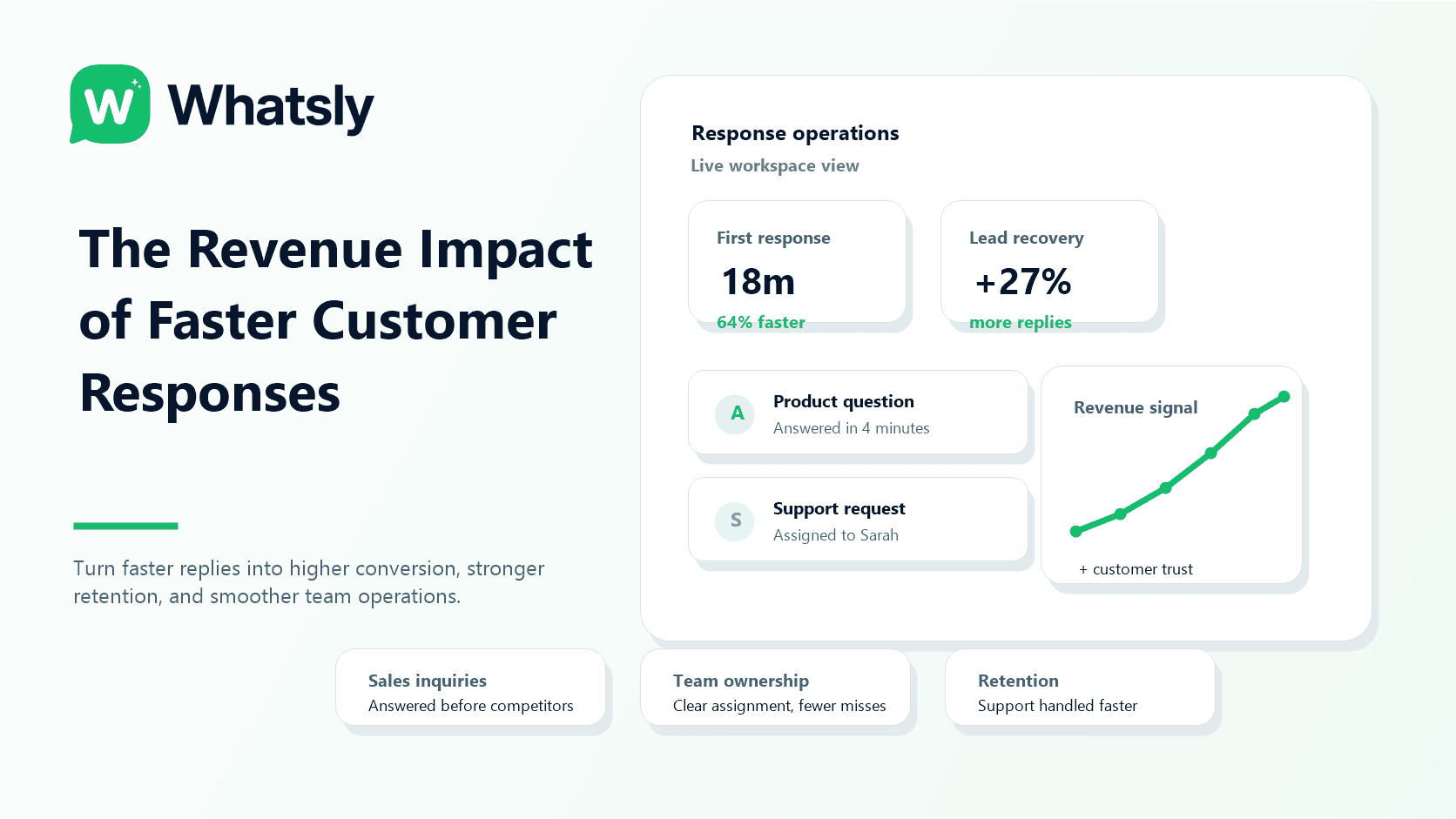
How Faster Customer Response Times Drive Revenue Growth
Learn why customer response speed directly impacts sales, retention, and customer satisfaction, and how growing businesses can improve response times at scale.
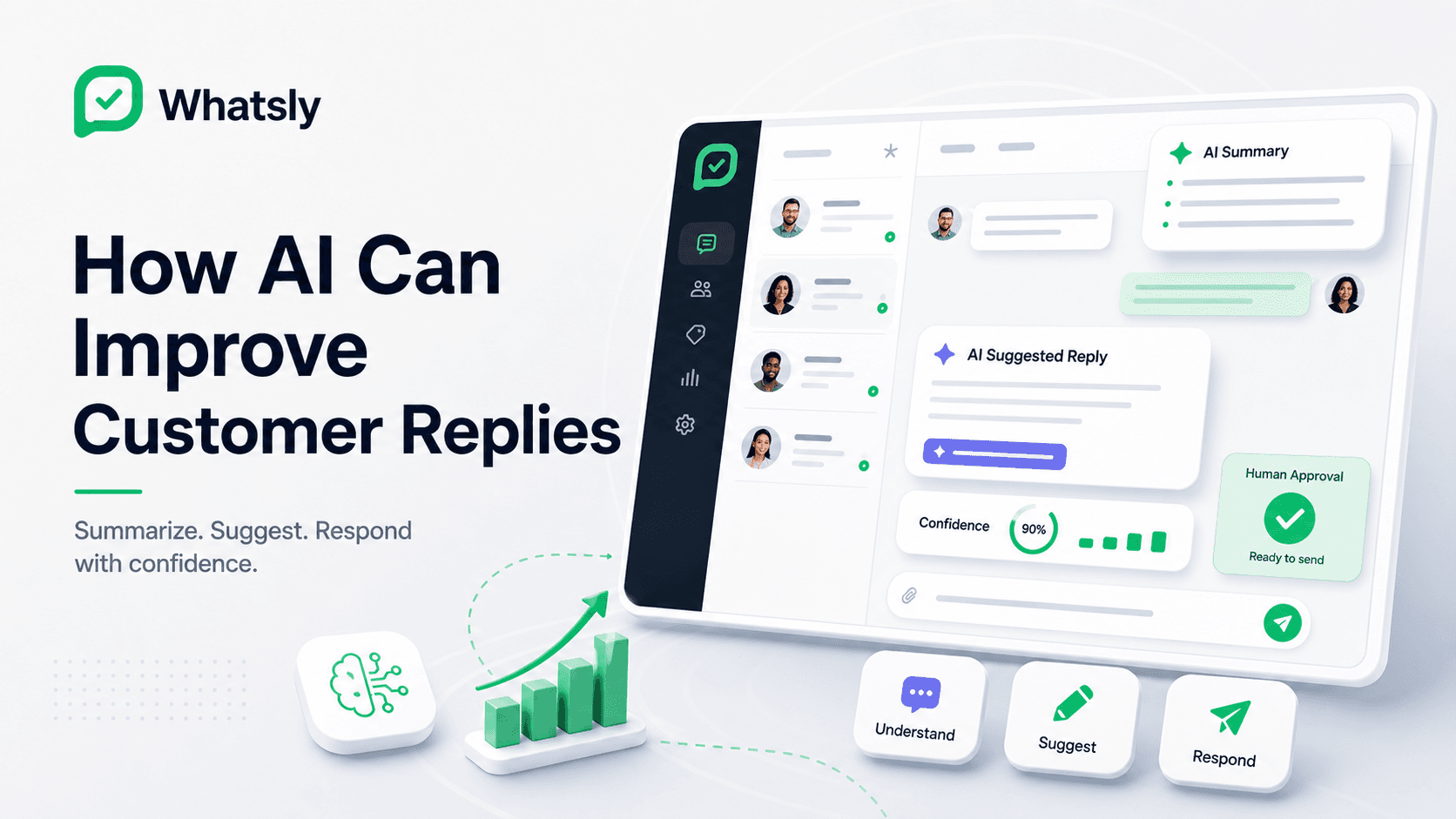
How AI Can Improve Customer Replies on WhatsApp
AI can help teams summarize conversations, suggest replies, classify intent, and respond faster while keeping humans in control.
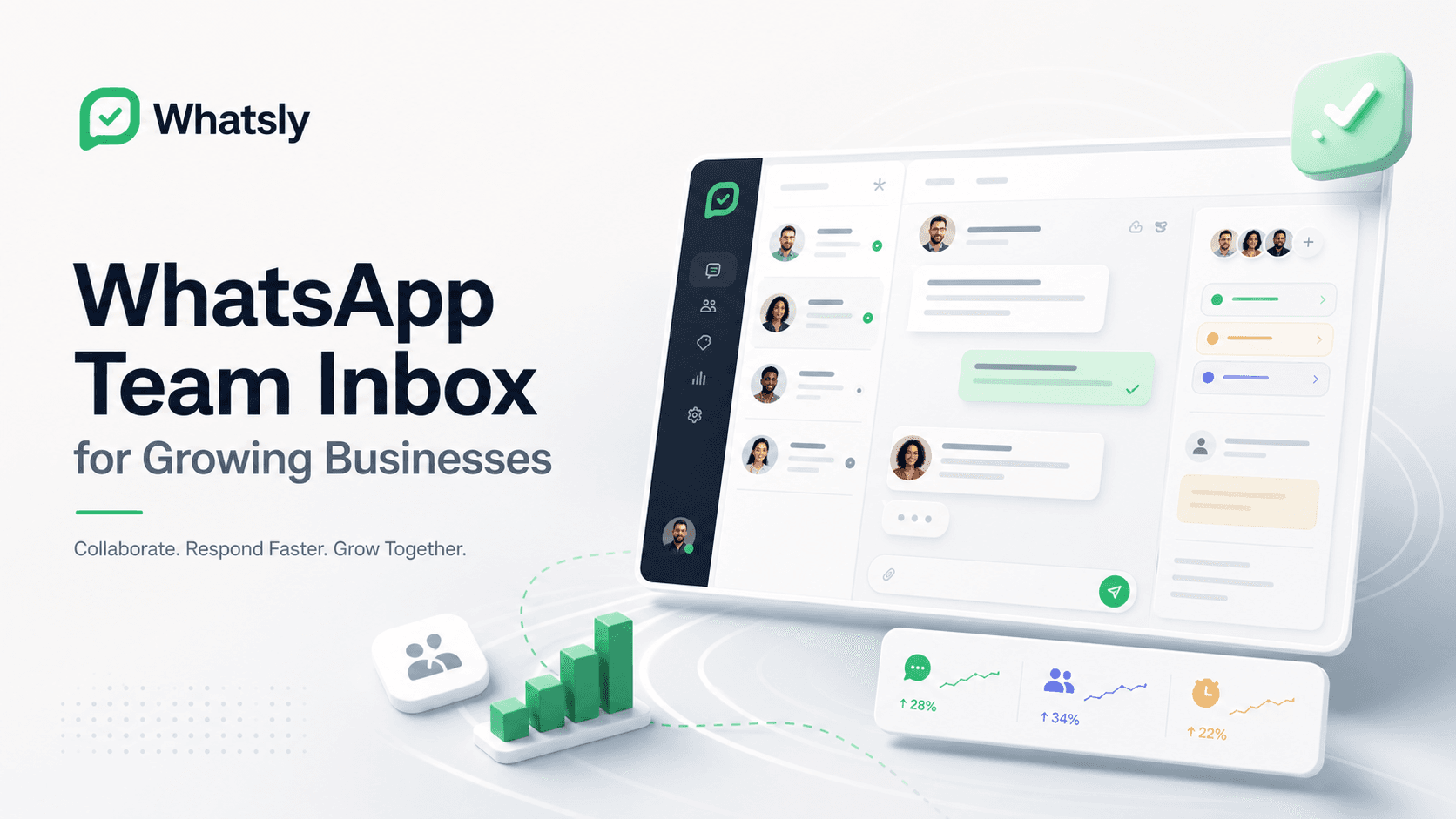
WhatsApp Team Inbox for Growing Businesses
Learn why growing teams need shared ownership, fast context, and clear WhatsApp response workflows instead of one phone passed between people.
Trust and safety
Built for safe messaging operations.
Whatsly protects device access, keeps workspace data isolated, signs webhook payloads, and supports opted-in messaging only. Connected WhatsApp accounts remain subject to WhatsApp policy and availability, so production workflows should plan for account and connection risk.
Workspace isolation
Every credential, device, webhook, and message belongs to the right workspace.
Device access care
QR codes and device access are treated as sensitive operational state.
Responsible use
Whatsly is built for opted-in operational messaging, with quotas, throttles, and duplicate-send protection against abusive automation.